Cloud Digital signage, simplified

Your message.
Turn any TV into a smart business display.

The easiest digital signage platform for Malaysian businesses.

• No USB drives

• No complicated setup

• No credit card required

Trusted by growing teams
Easy — Connect a screen and publish quickly.
Affordable — Designed for small and growing businesses.
Local — Malaysian local support and business-specific templates.

Digital grocery signage showing fresh produce and weekly specials
Made for attention

Content that moves.
Screens that stand out.

Turn campaigns into vivid, motion-led experiences that capture attention in every space.

Everything you need

Powerful tools.
Refreshingly simple.

From your first screen to your thousandth, MBoardApp keeps content management effortless.

Create with ease

Build polished content with simple wizard and an editor anyone can use.

Manage from anywhere

Monitor and update every display remotely through one secure, cloud-based dashboard.

Up and running fast

Three steps to
better screens.

No complex setup or specialist hardware. Connect, create, and publish in minutes.

  1. 01

    Connect your screen

    Use our player on any modern web browser.

  2. 02

    Create your content

    Start with a wizard or bring your own designs and media.

  3. 03

    Publish instantly

    Choose your device, set a schedule, and bring your message to life.

Works with your screens

Any device.
Any modern browser.

Open MBoardApp in a modern web browser, connect your display, and start showing content. There’s no specialised player app to install or complicated hardware to manage.

Browser-based playback
Chrome Edge Safari Firefox

Smart TVs

Run signage directly on supported smart TVs equipped with a current web browser.

Living rooms · Lobbies · Stores

Computers

Use any Windows, macOS, ChromeOS, or Linux computer connected to a display.

Offices · Control rooms · Events

Tablets & Kiosks

Turn browser-enabled tablets and touch displays into compact information screens.

Reception · Check-in · Wayfinding

Media Players

Connect a compact media player with a modern browser to almost any HDMI display.

Existing TVs · Video walls · Menus

No installation required. Sign in through the browser, pair the screen, and your content is ready to play.

Choose the right display

Commercial TV, e-ink,
or tablet?

There is no single best screen for every location. Compare how often your content changes, where people will view it, and whether you need motion or touch.

Lowest power

E-ink display

A paper-like screen for information that stays visible and changes occasionally.

Pros

  • Extremely low power for static content
  • Readable in bright light and direct sun
  • No backlight glare and a print-like finish
  • Some installations can run on battery or solar

Consider

  • Not suited to smooth video or animation
  • Slower refresh when content changes
  • Colour and model choices are more limited

Choose it for: room signs, timetables, wayfinding, prices, and sustainability-focused projects.

Best for touch

Tablet

A compact, familiar option for close-up information and interactive experiences.

Pros

  • Built-in touch, Wi-Fi, battery, and browser
  • Quick to install on a stand or wall mount
  • Ideal for counters and personal viewing
  • Kiosk controls can restrict other apps

Consider

  • Too small for viewing across a room
  • Continuous charging needs careful setup
  • Consumer hardware needs protection in public

Choose it for: check-in, room booking, product browsing, reception, and interactive kiosks.

A simple rule: choose a commercial TV for motion and reach, e-ink for sunlight and low-power static information, or a tablet when touch and close-up interaction matter most.
Made for your world

One platform.
Real-world impact.

Whether you manage one display or a network across hundreds of locations, MBoardApp helps you deliver timely content to the right audience.

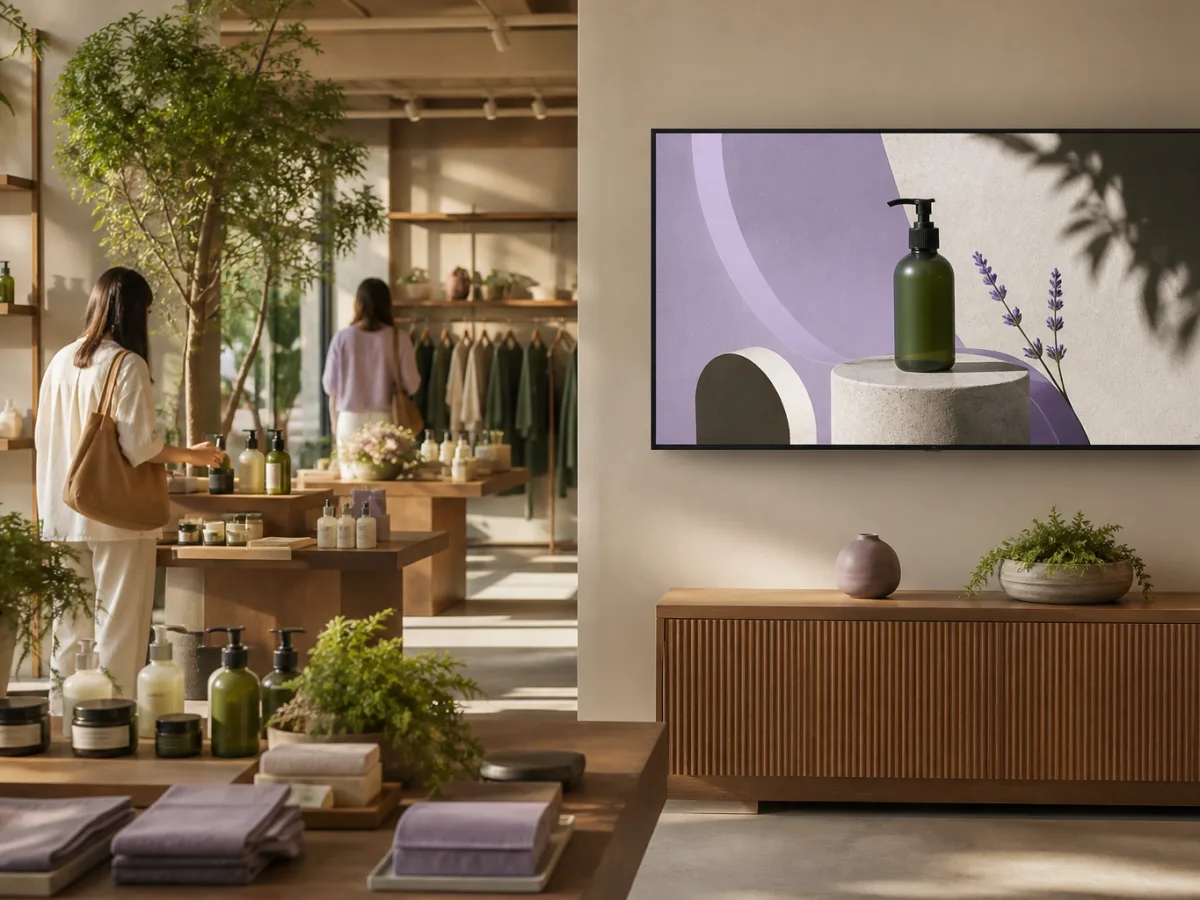
Digital product display in a modern retail store
01

Retail

Launch promotions, showcase products, and update pricing across every store without waiting for printed materials.

  • In-store promotions
  • Product launches
  • Window displays
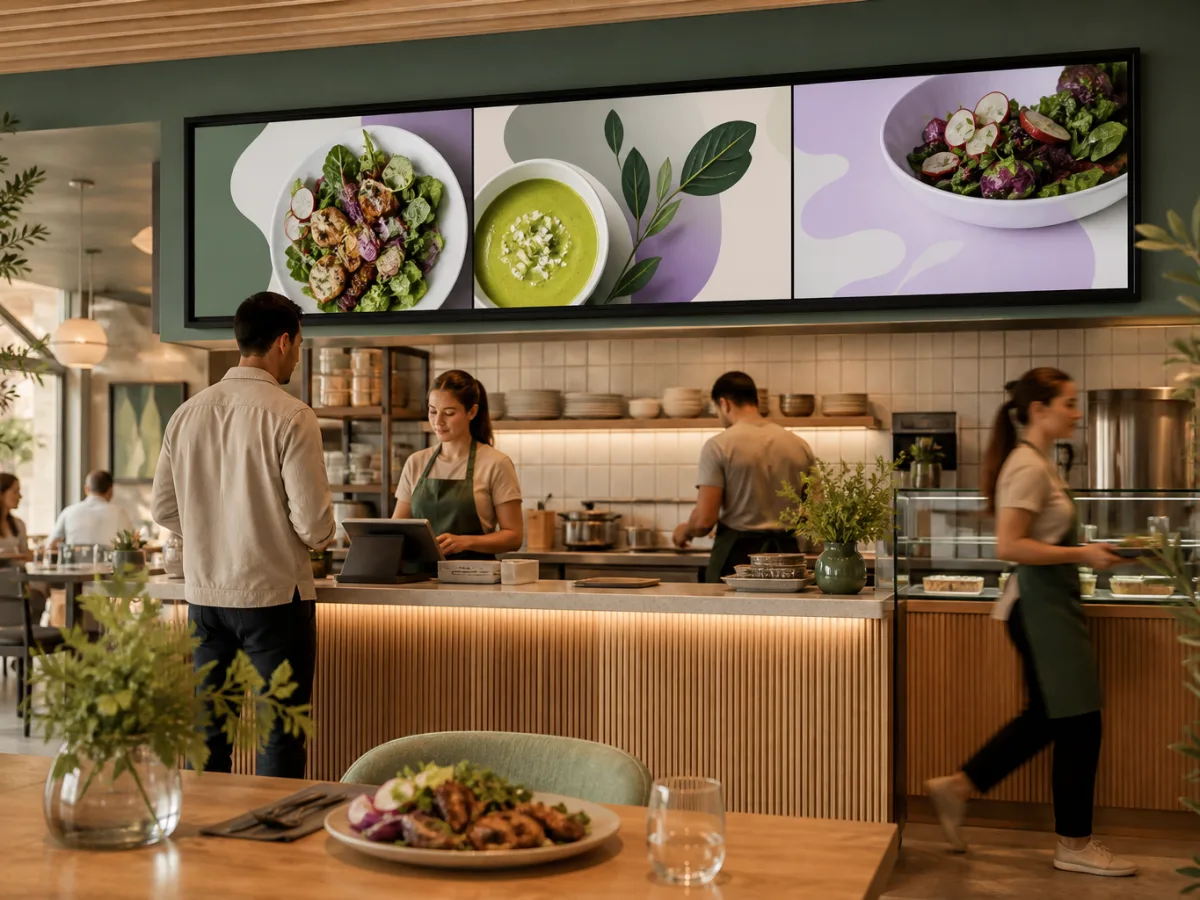
Digital menu boards above a restaurant counter
02

Restaurants

Keep menus accurate and appetising while promoting specials based on time, location, or availability.

  • Digital menu boards
  • Daily specials
  • Queue messaging
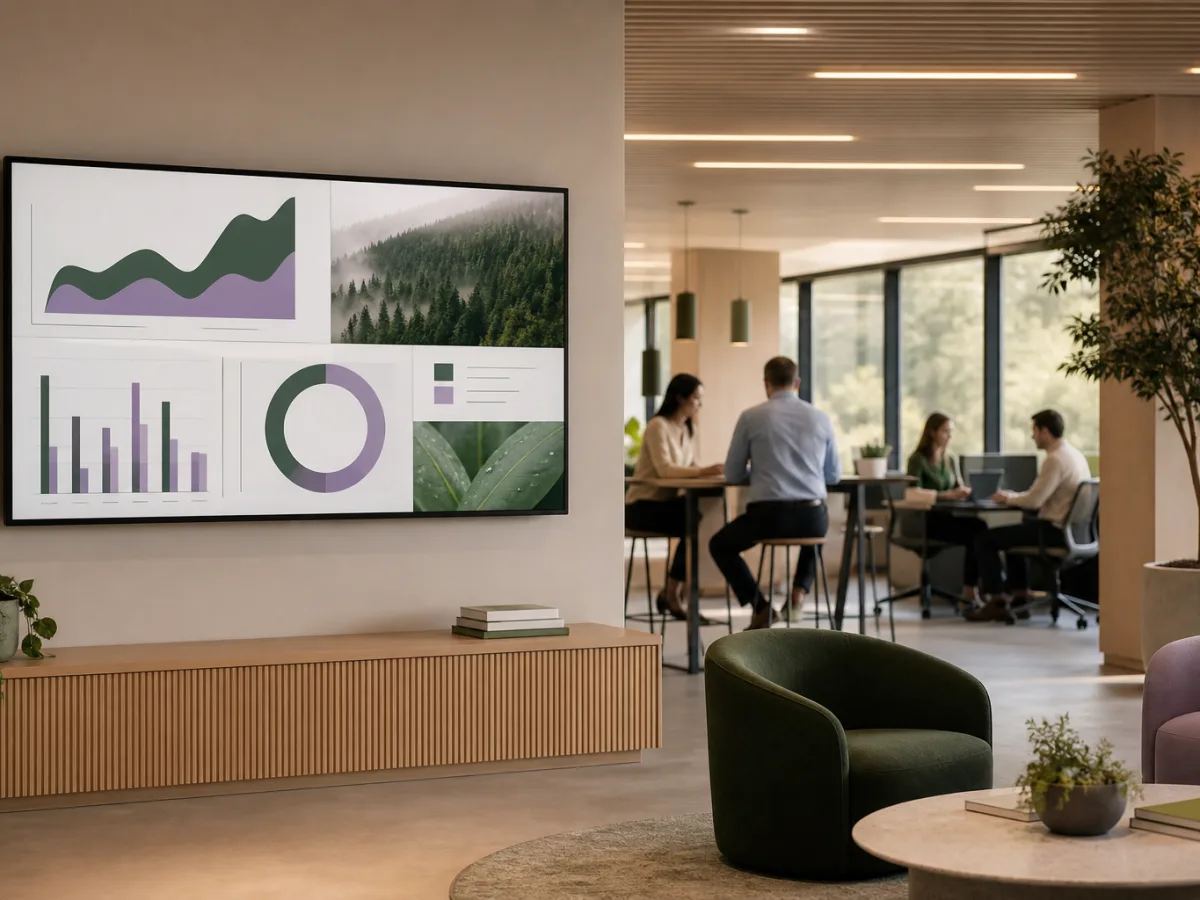
Digital dashboard in a contemporary office
03

Corporate

Connect your workforce with company news, live dashboards, recognition, and important announcements.

  • Internal communications
  • KPI dashboards
  • Room signage
Digital information screen in a university lobby
04

Education

Keep students, staff, and visitors informed with campus news, events, timetables, and urgent alerts.

  • Campus announcements
  • Wayfinding
  • Emergency alerts
Digital patient information display in a clinic
05

Healthcare

Improve the patient experience with clear directions, estimated wait times, and helpful health information.

  • Patient information
  • Waiting room content
  • Staff updates
Digital welcome display in a hotel lobby
06

Hospitality

Welcome every guest with relevant information, event schedules, local recommendations, and branded content.

  • Welcome screens
  • Event schedules
  • Guest wayfinding
Digital class display in a wellness studio
07

Fitness & Wellness

Motivate members with live class schedules, training tips, achievements, and timely membership offers.

  • Class timetables
  • Member motivation
  • Health and safety tips
Digital vehicle display in an automotive showroom
08

Automotive

Turn showroom visits into engaging experiences with vehicle highlights, finance offers, and service updates.

  • Vehicle showcases
  • Promotional offers
  • Service centre updates
Digital departures display in a train station
09

Transportation

Help passengers move confidently with live schedules, clear directions, safety notices, and local information.

  • Live departures
  • Passenger wayfinding
  • Travel alerts
Why choose us

Digital signage
without the fuss.

MBoardApp removes the cost, complexity, and specialised hardware that make traditional digital signage hard to adopt — so any team can look great on screen.

  • Secure cloud dashboard with automatic updates included
  • Screens keep playing even if the internet connection drops
  • Free plan to test your first screen — no credit card required
Start your free trial

Ready in minutes

Pair a screen, pick your content, and publish. No IT project, installers, or specialist skills required.

No specialised hardware

Runs on the TVs, computers, tablets, and media players you already own — any modern browser will do.

Honest, flexible pricing

Start free, then pay only for the screens you connect. No hidden fees and no long-term contracts.

Support from real people

Get fast, friendly help from a team that knows digital signage inside out — whenever you need it.

5 minAverage screen setup
99.9%Platform uptime
24/7Screen health monitoring
0Specialised hardware required
Simple pricing

Start small.
Scale when you’re ready.

Choose the plan that fits your screen network. Every plan includes secure cloud access and automatic updates.

Free

For testing your first display

$0/ month

Everything you need to get started with one screen.

Start for free
  • All core features for 7 days
  • 1 connected screen
  • 100 MB media storage
  • With white label
  • Screen health monitoring
  • Wizard
  • Email support

Enterprise

For large screen networks

$10/ screen / month

Controls and support tailored to your organisation.

Check this out
  • All core features
  • Limited screens
  • 1 GB media storage
  • Custom white label
  • Screen health monitoring
  • Wizard
  • Priority email support

Prices are shown in USD. Need a plan for a non-profit or educational institution? Contact us.

Common questions

Everything you need
to know.

Can’t find the answer you’re looking for? Send us a message and our team will be happy to help.

Ask a question
What is digital signage?

Digital signage uses connected screens to display menus, promotions, announcements, dashboards, and other visual content. MBoardApp lets you manage that content remotely from one simple dashboard.

What hardware do I need?

You need a display, an internet connection, and a compatible MBoardApp player or web browser. Most modern TVs and commercial screens can be used, so specialised hardware is not usually required.

Can I manage screens in different locations?

Yes. Organise screens by location or group, publish different content to each one, and monitor their status remotely from anywhere.

Can content be scheduled in advance?

Yes. Schedule content by date, day, or time so menus, promotions, events, and announcements appear automatically when they are relevant.

What happens if a screen loses internet access?

The player keeps previously downloaded content available, allowing supported displays to continue playing. It reconnects and receives updates automatically when internet access returns.

Does MBoardApp support white labelling?

Yes. The Enterprise plan supports white labelling with your own custom logo.

Can I use my own images and videos?

Absolutely. Upload your own images and videos, reuse saved media, or start with a ready-made template and customise it to match your brand.

Start today

Make every screen
matter.

Try MBoardApp free and see how simple digital signage can be.

Start your free trial
Get in touch

Let’s build better
screens together.

Tell us about your screen network, your goals, or any questions you have. Our team will get back to you as soon as possible.

Email us directlyhello@wheref.com

By submitting this form, you agree that we may contact you about your enquiry.